 Car Repair Estimator
Auto repair invoice software
Updated 2026-09-29 · By the Car Repair Estimator team
Good auto repair invoice software does three things: builds an itemized invoice that matches what the customer approved, gets it to the customer quickly, and shows you what's been paid. Car Repair Estimator Repair+ does that from your phone by turning an approved estimate into an invoice in one tap.
Why invoicing breaks down in repair shops
Most invoice problems start earlier, at the estimate. The customer approved one number, the technician found another part, the invoice gets written from the repair order at the end of the day, and something doesn't match. Then comes the phone call, the discount to keep the peace, or the unpaid balance nobody follows up on.
Invoice software for a repair business should prevent that, not just print a nicer page.
What to look for in auto repair invoice software
Invoice from the estimate
The single biggest time saver is creating the invoice directly from the approved estimate. Parts, labor lines, rates and totals carry over, so the invoice matches what the customer agreed to.
Itemized lines that match how you work
Parts with prices, labor by operation, and for body and paint work, body labor and refinish hours on separate lines plus a paint materials line. Lumping everything into "parts and labor" invites questions and, in some states, breaks disclosure rules.
Rates by skill
If you bill body, refinish and mechanical labor at different rates, the software should keep them separate. Set them once and use them everywhere. The labor rate calculator helps you pick the numbers.
Fast delivery
A link or PDF sent by text or email before the customer leaves, with your shop's name on it, is easier to pay than a paper invoice mailed later.
Paid tracking
You should be able to see what's paid and what's outstanding without opening a spreadsheet.
Vehicle history
Invoices grouped by vehicle make warranty questions and repeat visits easy to answer.
What a repair invoice must include
Whatever tool you use, the invoice should carry:
- Shop name, address, phone and state registration number if applicable; invoice number and date.
- Customer name and contact.
- Vehicle year, make, model, VIN and odometer reading.
- Each part with part number, price and type: new OEM, aftermarket, used, rebuilt or reconditioned.
- Labor by operation with hours and rate.
- Sublet work, shop supplies and environmental fees as named lines.
- Parts subtotal, labor subtotal, tax and total.
- Payment terms, warranty terms and a signature line.
Some states spell this out in law. In California, Business and Professions Code section 9884.8 requires service work and parts to be listed separately with separate subtotals and sales tax, used, rebuilt or reconditioned parts to be clearly identified, and crash parts to be identified as OEM or non-OEM aftermarket. The customer gets a copy and the shop keeps one. Rules differ by state, so check yours. Our free invoice template page has a full checklist.
How Car Repair Estimator handles invoicing
Car Repair Estimator Repair+ starts where the job starts. You photograph the damage, add a note or dictate, and scan the VIN to get an itemized estimate: repair vs replace per panel, priced parts, body labor and refinish hours on separate lines, prep, primer, base, clear and blend, and a paint materials line, at your own hourly rates per skill and local parts and labor pricing.
Send the estimate as a branded link or PDF. When the customer approves, convert it to an invoice in one tap, send the invoice the same way and mark it paid when the money comes in. Each vehicle keeps its estimates and invoices together.
What it isn't: it's not an accounting package, a payroll system or an insurance estimating platform, and its estimates are informational, not insurance appraisals. If you need a general ledger, keep your accounting software and use the app for the estimate-to-invoice part of the job.
Who it suits
- Small body and paint shops doing customer-pay work such as bumper repairs, scratches and panel paint.
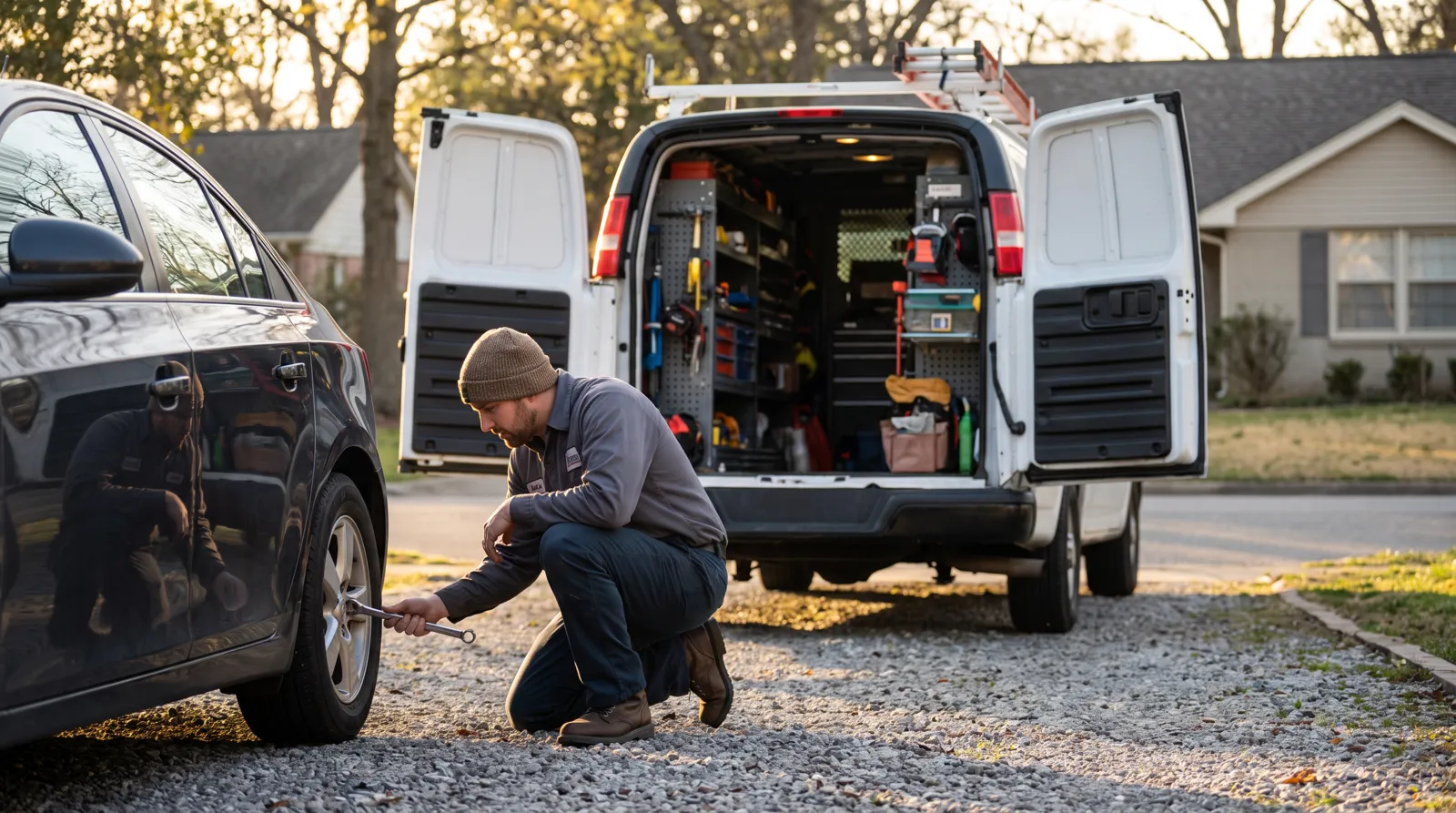
- Mobile mechanics who want to invoice before leaving the driveway.
- Independent mechanics who write estimates and invoices themselves between jobs.
- Dent and PDR techs invoicing quick jobs on site.
Keep the paper trail consistent
Estimate, repair order and invoice should tell one story. If extra work comes up, get approval before you do it, and make sure the invoice shows it as an approved addition. That habit, more than any software, is what keeps invoices getting paid without arguments. For the estimate side, see auto repair estimate software.
Frequently asked questions
What is the easiest way to make auto repair invoices?
Start from the approved estimate instead of a blank form. Converting the estimate keeps parts, labor and prices identical to what the customer agreed to, and you only add approved changes.
What must an auto repair invoice include?
Shop and customer details, vehicle and VIN, odometer, itemized parts with condition and type, labor hours and rates, sublet, fees, separate subtotals, tax, total, payment terms and warranty. Some states, like California, set specific disclosure rules.
Can I invoice from my phone?
Yes. Car Repair Estimator Repair+ runs on iPhone, iPad and Android, converts an approved estimate to an invoice in one tap, sends it as a branded link or PDF and tracks whether it's paid.
Is there a free auto repair invoice template?
Yes, our free invoice generator lets you fill in shop, customer, vehicle and line items and download a PDF, or print a blank version.
Sources
Estimates and invoices in minutes
Car Repair Estimator turns a photo into an itemized estimate, then an invoice. Free to download.
More in for shops